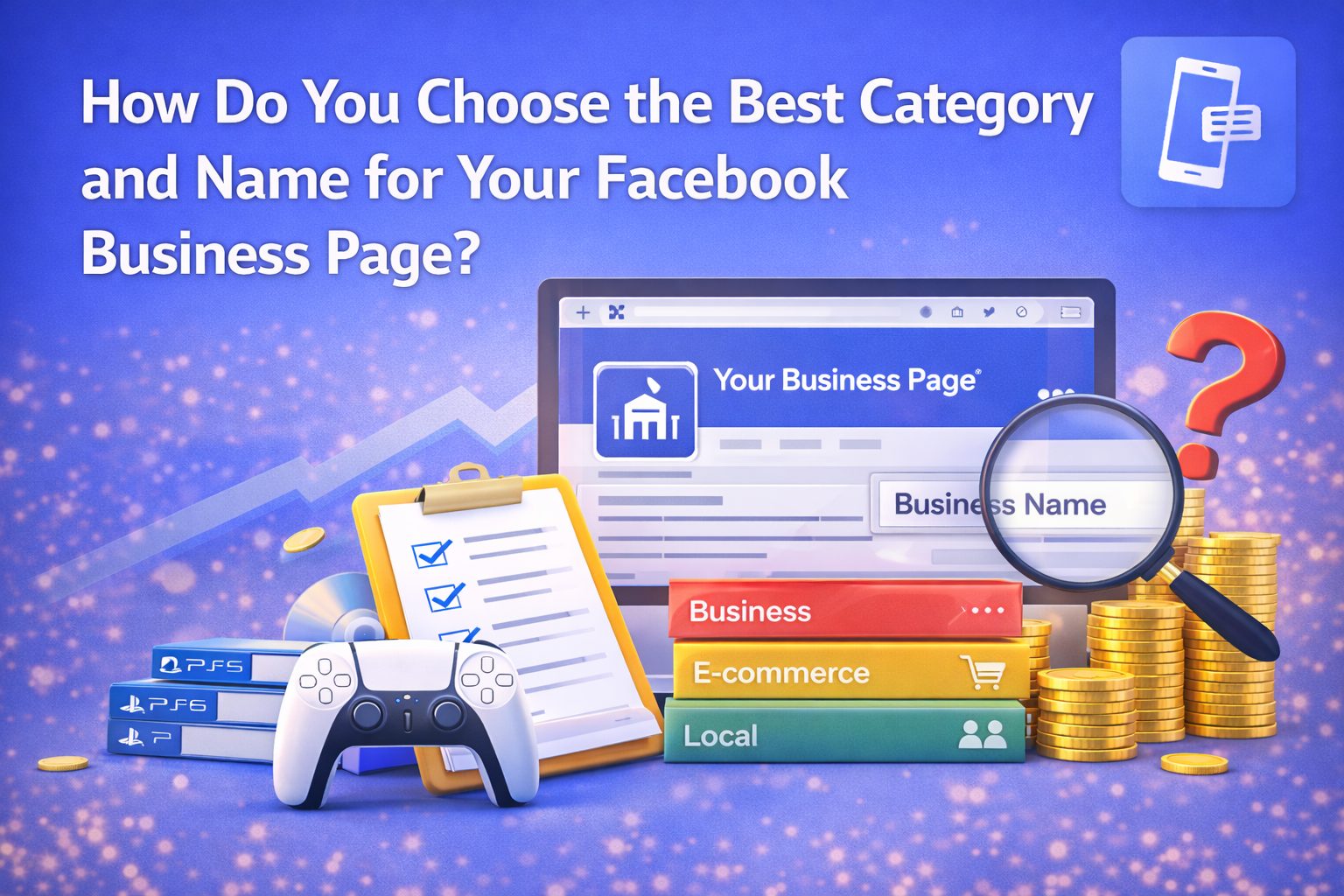
Choosing the right category and name for your Facebook Business Page is one of the first and most important steps when creating a professional presence on the platform. The category you pick helps Facebook understand what your page represents, which makes it easier for the right audience to find you. The page name, closely tied to your category, tells visitors instantly who you are or what your business does. This guide explains how to choose the best category and name in simple terms so your Facebook Page supports your goals.
What Is a Facebook Page Category and Why Does It Matter?
A Facebook page category is a label you choose that describes the type of business, organization, or public identity your page represents. During setup, Facebook lets you choose one main category and up to three subcategories. These categories appear under your page name and help visitors and search engines understand what you do.
The category influences how your page appears in search results, recommendations, and suggestions across Facebook. Picking the right category ensures people searching for your services or content type are more likely to find you. For example, choosing a Facebook page category for online store like “Clothing Store” or “Electronics Store” helps shoppers find your e-commerce page more easily.
Accuracy matters because a miscategorized page may confuse potential customers and reduce your visibility. If your page focuses on content creation or personal brand, choosing a category like “Public Figure” or “Content Creator” helps set the right expectations. Getting this right from the start also saves you time later, as changing categories can affect previously built visibility.
How Do You Find the Best Category for Your Page?
To choose the best category for your Facebook Page, start by thinking about these questions:
- What best describes your page’s purpose?
- Who are you trying to reach?
- Is your page a business, personal blog, online store, or creator profile?
Facebook offers a list of business categories that change regularly. You can type into the category field while setting up your page to see suggestions. Facebook may allow up to three related categories to represent different aspects of your page’s identity. The first category you choose appears prominently next to your page name and helps with search visibility.
For example, if you’re running an online store, you might start with a broad category like “Shopping & Retail” and then choose more specific ones like “Jewellery Store” or “Electronics Store” depending on your products. This helps customers find you when they use Facebook’s search or recommendations.
If your page represents a personal blog or content creation, categories like “Public Figure” or “Content Creator” help set the right tone and align with what visitors will expect when they land on your page. Choosing too broad or unrelated categories can make your page harder to find. Experts recommend picking the most relevant and specific category from the list to increase engagement from users who search for similar topics.
What Are Common Facebook Business Categories and Examples?
Facebook offers a large and evolving category list — often more than a thousand specific options — so most pages can find something that fits. These categories are grouped under a few broad page types such as Local Business, Company, Brand, Product, Artist, and Public Figure.
Here are some Facebook business category examples you might consider:
- Local Business or Place: Local store, coffee shop, restaurant, salon.
- Company or Organization: Software company, consulting firm, nonprofit.
- Brand or Product: Clothing brand, tech gadget, beauty products.
- Public Figure or Content Creator: Blogger, influencer, author.
- Entertainment or Community: Podcast, gaming page, fan group.
Each of these options serves different expectations: if you’re building an audience or selling online, choose categories that help users understand exactly what you offer. If your category doesn’t match your page purpose, users may skip your page or find it confusing, which reduces engagement. Once selected, these categories also determine the features available on your page such as reviews, messaging options, and shop setups.
How Should You Choose a Name That Matches Your Category?
After selecting a category, your page name should reflect it clearly and professionally. Your page name tells users what your page is about and should align with your category so visitors instantly recognize the connection. For example, if your category is Facebook page category for online store, your page name might include your store’s name and product focus, such as “Urban Threads – Streetwear Store”. This makes your business easy to identify in search results.
A name that closely matches your category also helps with brand recall — when users see the page name in suggestions or recommendations, they can quickly understand the type of content or business you represent. Avoid generic names or names that hint at unrelated categories, since this can confuse users and reduce the likelihood of followers discovering your page.
Your page name also influences your Facebook Page URL, so a good name can improve your professional presence and make it easier to share your page link across platforms like a website, email signature, or even a digital business card.
How Does Your Facebook Page Category Affect Features and Visibility?
The category you choose affects not just searchability but also what features your page can display. For example:
- Pages categorized under Local Business can show address, map, and check-in options.
- Pages in Products or Brands may have options for e-commerce and shop features.
- Public Figure and Content Creator categories can emphasize follow buttons and community interaction.
These category-based features help customize your page according to audience expectations. Visitors seeing a category that matches their interests or needs are more likely to engage, click through, and follow your page. In turn, this increases visibility and reach within Facebook’s network. Pages with accurate categories also appear more often in related search suggestions and recommendations, which can lead to higher engagement over time.
How Is Choosing a Category Similar to Using a Digital Business Card?
Just as a Facebook page category helps others quickly understand what your page offers, a digital business card helps professionals and businesses share key information instantly during networking. A correct Facebook page category works like a clear title on a digital card that tells someone at a glance who you are and what you do.
When you add your Facebook page link to a digital business card, it provides instant context because the category—“Online Store,” “Content Creator,” or “Local Business”—reinforces your professional identity. This makes networking more efficient because people viewing your digital card will know exactly what category of business or content you represent before clicking through to your Facebook page.
FAQs About Choosing Facebook Page Category and Name
What is the best category for Facebook Page?
The best category depends on your business type — choose one that describes what you offer so people searching on Facebook can find you easily.
Can I use more than one category on my Facebook Page?
Yes. Facebook allows up to three categories to describe different aspects of your page focus.
Should I change my category later if my business evolves?
Yes, you can edit your category anytime through the About section of your page settings. It’s useful to update categories as your focus changes.
Can a Facebook page category impact visibility?
Absolutely. A correct category helps Facebook show your page to users searching for similar businesses or interests.
Conclusion
Choosing the best category and name for your Facebook Business Page is a vital step that influences discoverability, engagement, and how your audience perceives you. By identifying the type of page you are creating — whether for an online store, personal blog, or content creator profile — and selecting accurate categories that reflect that purpose, you give your page a strong foundation. Pair this with a clear and relevant page name, and you build trust and easier searchability for your audience. Just like a well-crafted digital business card captures key professional details for networking, the right Facebook page category and name help position your business effectively on social media.