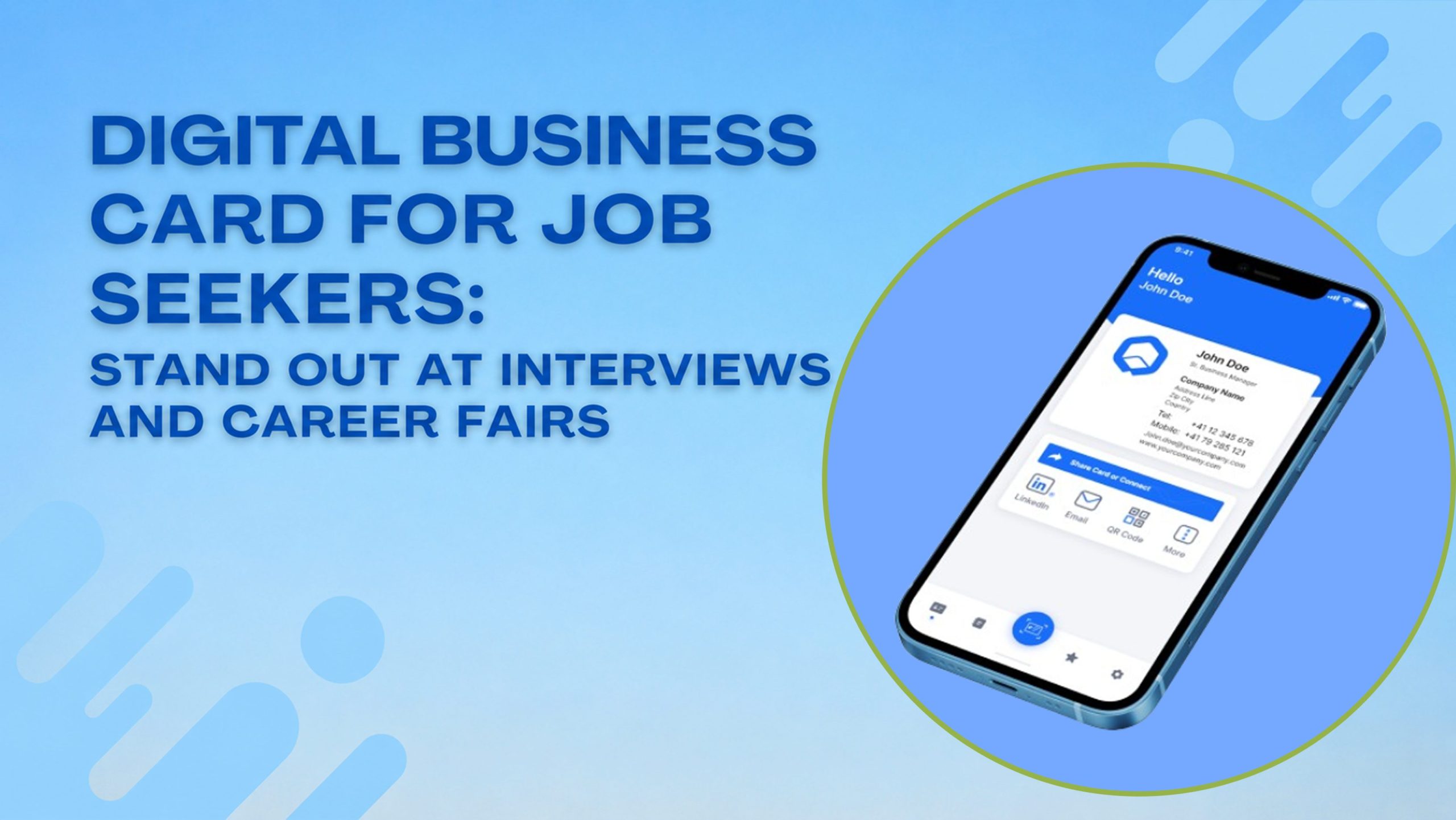
Job hunting is competitive, and first impressions happen fast. At a career fair, a recruiter meets dozens of candidates in a single afternoon. In an interview, you get minutes to prove you’re memorable. A digital business card for job seekers helps you stand out in both situations by giving recruiters an instant, professional way to remember you and your work, long after the conversation ends.
Why Job Seekers Need a Digital Business Card
Most job seekers rely on a resume alone, but a resume only gets read after someone decides you’re worth a second look. A digital card for interview settings works differently. You hand it over or share the link right when you meet someone, before the resume even reaches their inbox.
It also solves a real problem. Recruiters forget names fast. A networking card for a job search gives them something to tap and revisit later, with your contact details, LinkedIn, and portfolio all in one place. Instead of a recruiter jotting your name on a sticky note, they save an actual link that stays accurate even after you update your job title or add a new project.
Should Job Seekers Have a Business Card?
Yes. A business card for career fair events is not just for freelancers or business owners. Job seekers benefit even more, because career fairs are built around quick, high-volume conversations. You might talk to fifteen recruiters in two hours, and none of them will remember your name without something physical, or digital, to hold onto.
A card also signals initiative. Most candidates show up with only a printed resume. Someone who hands over a QR code or a shareable link immediately looks more prepared and more comfortable with modern tools, which matters in almost every industry now.
Digital Business Card for Recent Graduates
A digital business card for recent graduates solves a specific gap: you don’t have years of job titles to show, so the card needs to work harder to prove your value. Instead of listing a job history, focus on:
- Your degree and field of study
- Relevant projects, internships, or coursework
- Skills that map directly to the roles you’re applying for
- A portfolio link, GitHub, or writing samples if relevant
- A short, clear statement of what kind of role you’re looking for
Recruiters at graduate hiring events see hundreds of near-identical resumes. A well-built digital card lets you show a project or portfolio piece immediately, something a paper resume can’t do.
What to Put on a Business Card for Job Searching
Keep it focused. A business card for job searching should include:
- Full name and target role (e.g., “Aspiring Data Analyst” or “Marketing Graduate”)
- Phone number and email for direct contact
- LinkedIn profile link so recruiters can view your full background
- Portfolio or work samples, if your field uses them
- A one-line summary of your skills or specialty
- A QR code, so recruiters can scan it instead of typing anything
Avoid clutter. Recruiters skim in seconds, so the goal is a clean, scannable card, not a full resume crammed onto a screen.
Free Business Card for Job Seekers, No App Needed
Cost matters when you’re job hunting, and so does simplicity. A free business card for job seekers, no app needed, means the recruiter never has to download anything to view your details. They just tap a link or scan a QR code, and your card opens directly in their phone’s browser.
Platforms like ShareEcard offer this exact setup: create your card for free, customize it with your details and links, and share it instantly without asking anyone to install software. This removes the biggest barrier to actually using a digital card at events, since friction kills adoption fast.
How to Share Your Contact Info at a Career Fair
At a career fair, speed matters more than anything else. Here’s how a digital card speeds things up:
- QR code on your phone screen: Recruiters scan it in seconds without typing your email wrong
- Direct link sent by text: Useful for following up right after a conversation
- Link in your email signature: Recruiters who email you afterward see your full profile automatically
- Printed QR code on a lanyard or badge: A physical touchpoint that still leads to a digital, always-updated card
This flexibility means you’re never stuck relying on one single format. Whether the recruiter prefers scanning, tapping, or clicking a link later, your card works the same way every time.
FAQs: Digital Business Cards for Job Seekers
Should job seekers have a business card?
Yes. Career fairs and networking events involve dozens of quick conversations, and a business card gives recruiters a fast, memorable way to save your contact details and revisit your profile later.
What should go on a business card for job searching?
Include your name, target role, phone number, email, LinkedIn link, and a short skills summary, along with a QR code so recruiters can scan instead of typing.
How do I share my contact info at a career fair?
Show your QR code for recruiters to scan, send your card link by text after the conversation, or add it to your email signature so it’s visible in every follow-up.
Is a digital business card useful for recent graduates?
Yes, especially since graduates can highlight projects, internships, and portfolio links directly on the card instead of relying only on a traditional resume.
Do I need an app to use a free digital business card?
No. Free tools like ShareEcard generate a link or QR code that opens directly in a browser, so recruiters never need to download anything to view your card.
Final Thoughts
A digital business card for job seekers turns a brief, forgettable interaction into a lasting impression. Whether you’re attending a career fair, walking into an interview, or networking online, a free, no-app digital card from ShareEcard keeps your contact details and portfolio one tap away for every recruiter you meet.