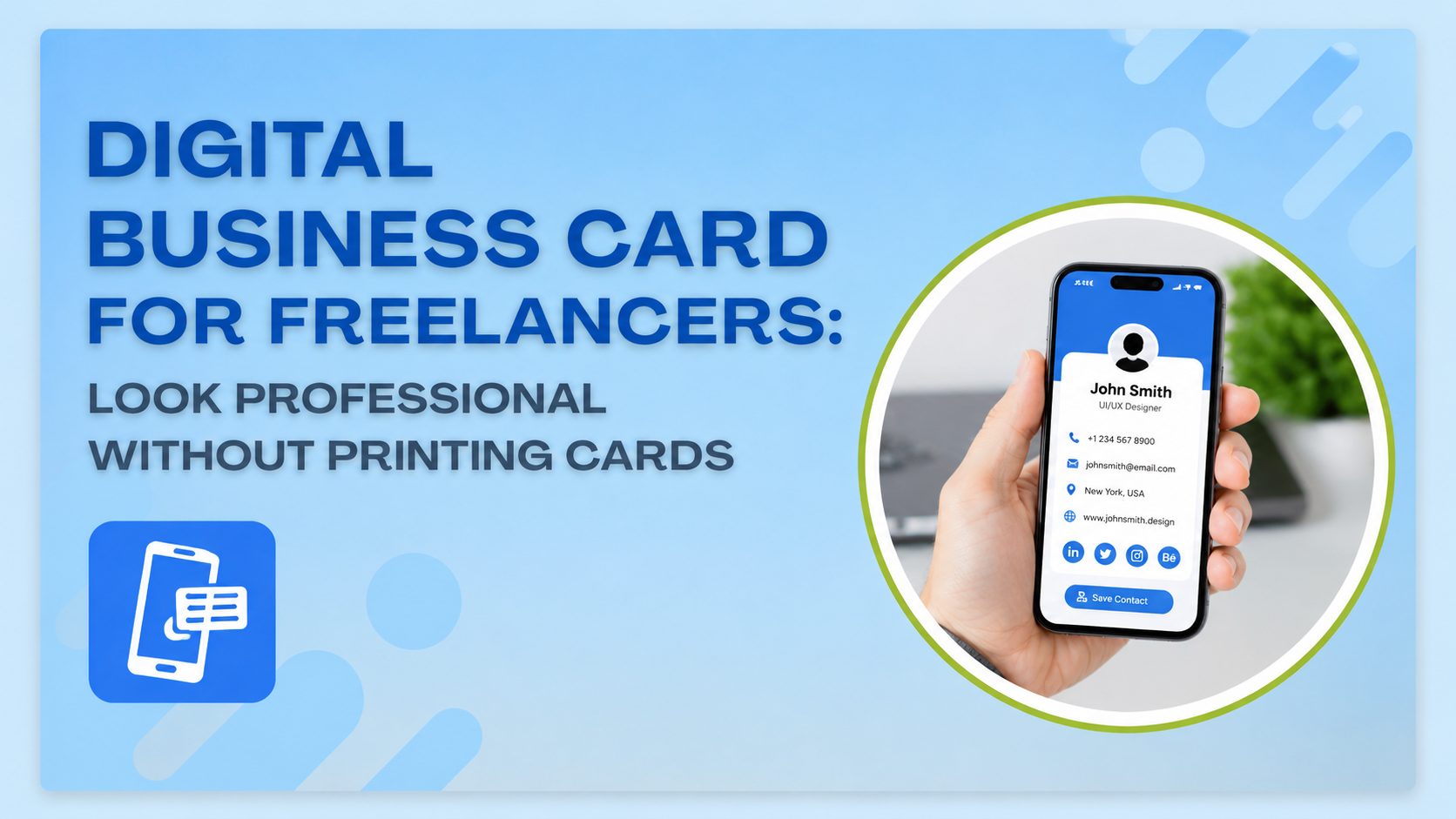
Freelancing means you are your own brand. Every client interaction, every cold pitch, and every networking event is a chance to prove you’re worth hiring. But if you’re still handing over a paper card with a smudged phone number, you’re already behind. A digital business card for freelancers solves this instantly. It puts your name, portfolio, and contact details in one tappable link that works on any phone, with no printing, no waiting, and no reordering when your details change.
This guide breaks down why freelancers are switching to digital cards, what to include, and how to share one in seconds.
Why Freelancers Need a Digital Business Card
Freelancers move fast. You might meet a potential client at a coffee shop, close a deal over a video call, or get introduced at a conference, all in the same week. A printed card can’t keep up with that pace. It sits in a drawer, gets lost, or shows outdated information the moment you change your rates or add a new service.
An online business card for freelancers fixes this by living on the internet instead of in your wallet. You update it once, and everyone who has your link sees the new version automatically. There’s no reprinting, no wasted stock, and no awkward moment where you hand someone a card with a crossed-out email address.
It also signals something important: you’re current. Clients notice when a freelancer shows up with a modern, working link instead of a card that looks like it’s from 2015.
A Free Digital Business Card for Freelancers Still Looks Professional
A common worry is that “free” means “cheap-looking.” That’s not the case with a well-built platform. A free digital business card for freelancers can include your logo, brand colors, a professional headshot, and a clean layout that matches your niche, whether you’re a designer, writer, developer, or consultant.
What actually makes a card look professional isn’t the price tag. It’s the structure like clear name and title, direct contact options, and a portfolio link that shows your work without extra clicks. Tools like ShareEcard let you build this for free, with templates designed specifically so freelancers don’t need design skills to look polished.
Virtual Business Card for Freelancers vs. Printed Cards
A virtual business card for freelancers beats a printed one on almost every measurable point:
- Cost: Printing runs out and needs reordering. A digital card is free to create and free to keep.
- Updates: Change your job title, rate card, or phone number instantly, without throwing away old stock.
- Reach: Share it over text, email, LinkedIn, or a QR code, not just in person.
- Content: Add live links to your portfolio, testimonials, or booking page, something a paper card physically cannot do.
- Sustainability: Zero paper waste, which matters to eco-conscious clients and brands.
Printed cards still have a place at trade shows or in-person meetups, but for freelancers who work remotely or across time zones, digital is the practical default.
Professional Business Card Without Printing: What to Include
A professional business card without printing needs the same core information as a paper one, plus a few freelancer-specific additions:
- Full name and professional title: (e.g., “Freelance Graphic Designer” instead of just “Designer”)
- Direct contact details: phone, email, and WhatsApp if you use it for client work
- Portfolio or website link: so clients can see your work immediately
- Social proof: LinkedIn, Behance, Dribbble, or a client testimonial
- A short tagline: describing what you do and who you help
- A call-to-action link: such as “Book a Call” or “View My Rates”
Keep it scannable. Clients decide whether to reach out within seconds of viewing your card, so lead with your strongest, most relevant information first.
How to Share Your Digital Business Card Instantly
Sharing is where digital cards win outright. You can send your card as a direct link over email or text, drop it into a LinkedIn message, or display a QR code on your phone screen for someone to scan in person. There’s no app required on the recipient’s end. They tap the link or scan the code, and your full profile opens in their browser immediately.
This matters most in fast-moving freelance situations, a networking event where you meet ten people in an hour, or a client call where you want to share your portfolio before the meeting ends. A digital card removes the friction of “I’ll email you my details later.”
FAQs: Digital Business Cards for Freelancers
Do freelancers really need a business card?
Yes. Freelancers rely on personal branding and referrals more than salaried employees do, and a business card, digital or printed, gives clients a fast, credible way to save your contact details and revisit your work later.
Is a digital business card enough for freelancers instead of a printed one?
For most freelancers, yes. A digital card covers everything a printed one does, plus live links to your portfolio and social profiles, and it updates instantly whenever your details change.
Can a digital business card include my portfolio and social links?
Yes. Platforms like ShareEcard let you add clickable links to your portfolio, LinkedIn, Instagram, or any other platform where clients can see your work and credibility.
How do I share my digital business card with a client instantly?
Send the direct link by email or text, share it on LinkedIn, or let the client scan your QR code with their phone camera. No app download is needed on their side.
Is a free digital business card professional enough for freelance work?
Yes, as long as it’s well-structured. A clean layout, your own branding, and clear contact information matter far more than whether you paid for the card.
What should a freelancer’s digital business card include?
Your name, professional title, direct contact details, a portfolio or website link, social proof, and a clear call-to-action so clients know exactly how to move forward.
Final Thoughts
Freelancers don’t need to spend money on printing to look credible. A digital business card for freelancers, especially a free one, gives you a professional, always-updated way to share your work and contact details with anyone, anywhere. Platforms like ShareEcard make it possible to build one in minutes and start sharing it the same day.