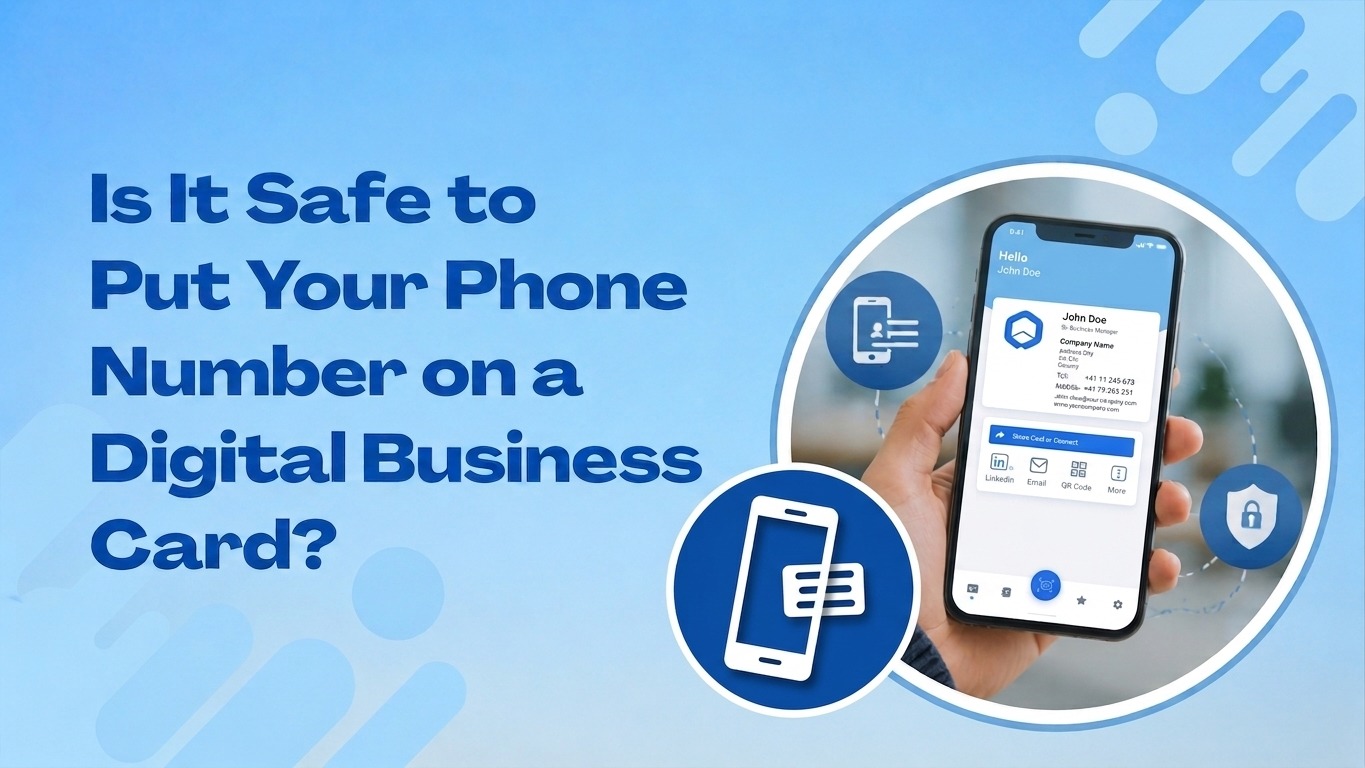
Sharing a phone number in print always felt normal. A printed card sat in a drawer or a wallet, and only the person who received it saw the details. A digital business card works differently, and that difference makes many professionals pause before they add a phone number to their profile. This question comes up often: is it safe to put your phone number on a digital business card? The short answer is yes, when the platform handles data correctly and the user controls what shows and to whom.
This guide explains what actually happens to your number once you add it, the real risks involved, and the steps that keep your contact information safe while you still look professional and reachable.
Why People Hesitate to Share a Phone Number Digitally
A phone number feels personal. Many professionals worry that placing it inside a digital business card exposes them to spam calls, robocalls, or unwanted marketing messages. Others worry about data breaches, where a platform stores information poorly and a third party gains access. These concerns are valid, but they apply more to careless platforms than to the concept of digital business cards itself.
The truth is that a printed card also carries risk. Once you hand someone a paper card, you lose all control over where that information travels. A digital business card, when built with proper privacy controls, actually gives you more control, not less. You decide what fields appear and who can view them, and you can update or remove your number at any time.
How Digital Business Card Platforms Protect Your Number
Reputable platforms use encryption to protect contact details during storage and transfer. This means your phone number does not sit in plain text where anyone with basic technical skills can read it. Data travels through secure connections, commonly identified by HTTPS in the browser address bar, and this prevents interception during transmission.
Good platforms also give users privacy settings that let them choose what to display publicly and what stays private. For example, ShareEcard lets users control visibility for each field on their profile, so a phone number can remain hidden from public search results while still being shared directly with people you meet. This kind of field-level control is one of the biggest advantages digital cards hold over printed ones.
Another safeguard comes from how sharing works. Instead of publishing your card openly across the internet, most platforms let you share through a private link, QR code. This means your number only reaches people you intentionally connect with, not random visitors who stumble across your page.
Common Risks and How to Avoid Them
Even with strong platform security, a few risks remain, and awareness helps you avoid them.
Public indexing happens when a platform allows search engines to crawl and display personal profiles without restriction. If your card gets indexed with a visible phone number, anyone searching your name could find it. Choose a platform that lets you disable public indexing for sensitive fields.
Weak platform security is a risk with lesser-known apps that do not use encryption or proper authentication. Before adding personal details, check whether the platform mentions data protection practices, secure login options, and a clear privacy policy.
Oversharing on purpose is a risk professionals create for themselves. Adding a personal mobile number to a card meant for public networking events increases exposure. A safer approach is to use a dedicated business number or a call forwarding number instead of a personal line.
Spam and scraping bots search public pages for exposed contact details. Platforms with strong anti-scraping protection and gated visibility reduce this risk significantly.
Best Practices for Sharing Your Number Safely
A few simple habits make a big difference in keeping your phone number secure while your digital business card stays functional and professional.
Use a business line instead of a personal number whenever possible. This keeps your private life separate from your professional exposure and gives you the option to change numbers without disrupting personal contacts.
Set your number visibility to private or contact only so it appears after someone taps to view your full details rather than showing instantly in a public feed or search result.
Update your card regularly. Remove old numbers, refresh outdated details, and check your privacy settings every few months, especially after switching devices or carriers.
Choose a platform built with modern data protection standards. Look for features like encrypted storage, secure sharing links, and clear user control over what appears on the public version of your profile. ShareEcard was designed around these principles, giving professionals a way to share complete contact information without losing control over who actually sees it.
Avoid pasting your card link into public forums or unrelated websites. Share it directly with people through QR codes,email signatures, or private messages instead.
The Professional Benefit of Including a Phone Number
Despite the caution, there is real value in including a phone number on your digital business card. Clients and partners often prefer a quick call over an email exchange, especially in industries like real estate, consulting, healthcare, and sales. A card without a phone number can feel incomplete or overly guarded, and this sometimes reduces trust during a first meeting.
The goal is not to avoid sharing your number altogether. The goal is to share it through a platform that respects your privacy choices and gives you tools to manage exposure. When a digital business card handles this correctly, you get the convenience of instant contact sharing along with the safety of controlled visibility.
How ShareEcard Approaches Contact Privacy
ShareEcard was built with these privacy concerns in mind. Users can create a professional profile, choose exactly which fields become public, and share their card through secure links, QR codes without exposing personal data to search engines or bots. This approach lets professionals stay reachable while keeping sensitive information protected. You can explore how this works and set up your own secure profile through the ShareEcard digital business card platform, where privacy controls are built into every card by default.
Frequently Asked Questions
Does adding a phone number to a digital business card increase spam calls? Not if the platform allows you to keep the number private and share it only through direct links or taps rather than public search indexing.
Can I remove my phone number after sharing my card with someone? Yes. Most digital business card platforms, including ShareEcard, let you edit your profile at any time, and changes apply instantly across every shared link.
Is a business number safer than a personal number on a digital card? Yes. A dedicated business number keeps your personal life separate and gives you flexibility to change or disable it without affecting personal contacts.
Do digital business cards store phone numbers securely? Reputable platforms encrypt stored data and use secure connections during sharing, which offers stronger protection than a printed card that anyone can photograph or pass along.
Final Thoughts
A phone number on a digital business card is safe when the platform respects privacy, gives you control over visibility, and protects data through encryption and secure sharing methods. The convenience of instant, professional contact sharing outweighs the risks, as long as you choose a trustworthy platform and follow a few simple safety habits. With the right approach, you can stay reachable, look professional, and protect your personal information at the same time.

![Read more about the article Top Free E-Card Templates for [Holiday/Occasion] in 2026- 2027](https://www.shareecard.com/weblog/wp-content/uploads/2026/09/image-300x169.png)